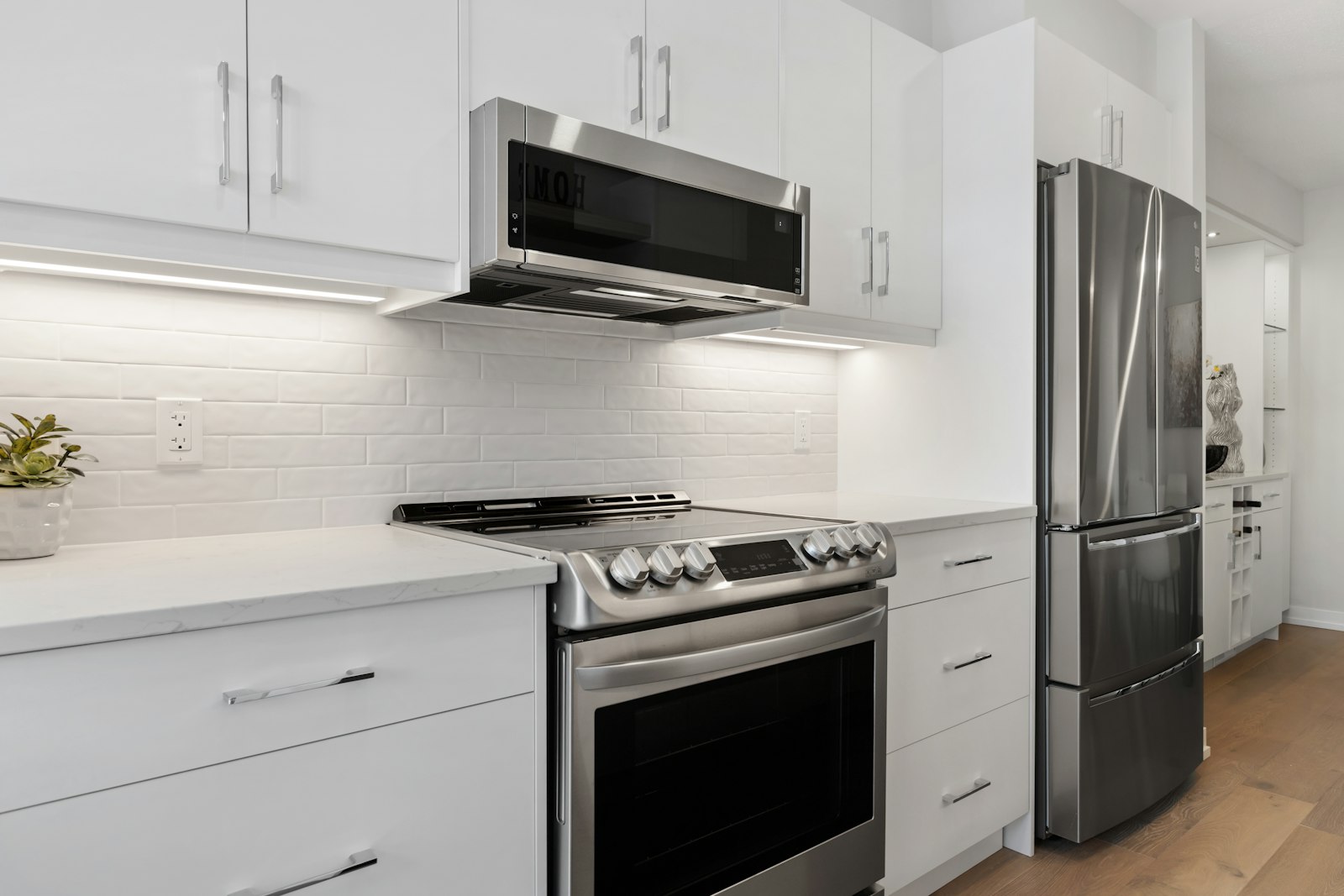
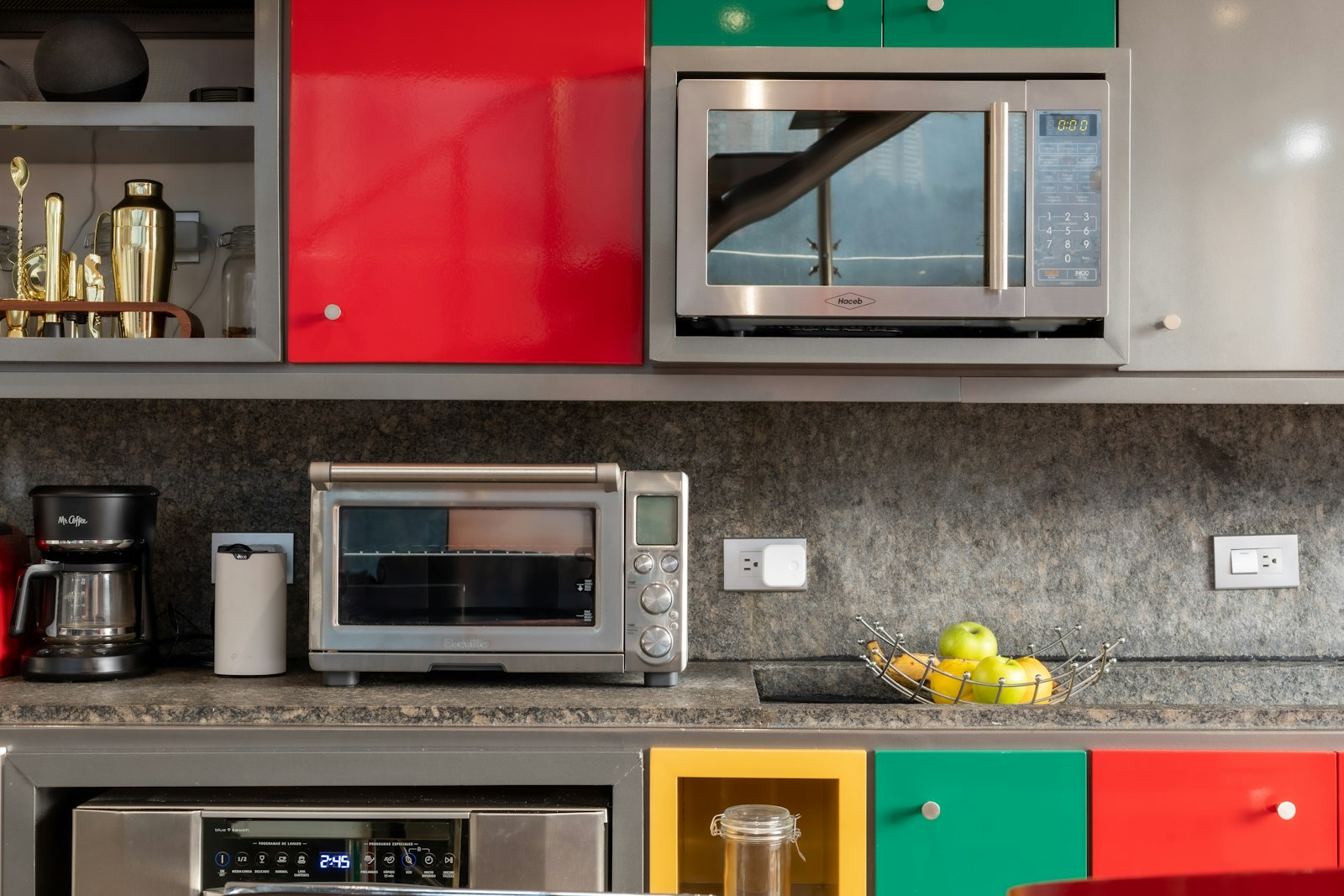
An lg microwave sparking inside the cavity is alarming, but the cause is usually simple and fixable: metal where it should not be, or a damaged waveguide cover. Stop the microwave the moment you see arcing.
LG microwaves produce heat with a magnetron and (on NeoChef models) a Smart Inverter, both high-voltage components, so while many faults post an F-code, the heat-producing parts are strictly a technician’s domain. We start with the everyday causes you can check yourself, then explain the signs that point to a part that genuinely needs a hands-on repair.
What a lg microwave sparking usually means
Microwaves and metal do not mix — foil, metal-trimmed dishes, or a stray twist tie cause arcing. The other common cause is the waveguide cover, a small mica panel on the cavity wall that can char from food splatter and then spark.
First checks you can do
Start with the checks you can safely do yourself. Each one rules out a common, inexpensive cause, and together they resolve the majority of cases without a service visit:
- Remove any foil, metal-trimmed dishes, or utensils from the cavity.
- Inspect the mica waveguide cover (usually a small tan panel on the right wall) for burn marks or holes.
- Clean dried food splatter off the cavity walls and the cover.
- If the cover is charred or cracked, stop using the microwave until it is replaced.
Take these in order and test whether the problem has cleared before moving to the next. If you do end up needing help, having worked through them gives the technician a useful head start.
Reading the LG display for a lg microwave sparking
Note any code before you act, because it narrows the diagnosis more than any other clue. A good first move for most LG codes is a power-cycle: unplug for one to five minutes, or trip the breaker for 30 to 60 seconds, then restore power. If the code returns straight away, treat it as a real fault pointing at the named part.
- Sparking is a physical symptom, not a coded fault — there is usually no error number.
- F1 — mainboard, if a control fault accompanies the arcing.
Note the exact characters, including whether letters are upper or lower case, since LG sometimes uses capitalisation to separate a real fault from a normal status message.
When it is a fault, not a habit
If the everyday checks above do not resolve it, the problem has likely moved from something you can adjust to a component that needs testing or replacing. These are the signs that point that way:
- No metal is present and the waveguide cover is clean, yet it still arcs — internal high-voltage components may be failing.
- A damaged stirrer or paint chipped to bare metal inside the cavity can arc.
- Persistent arcing after the cover is replaced needs a technician.
At this point a proper diagnosis beats guesswork, since the remaining causes involve a specific part or electrical testing. A technician can meter the suspect component and fit a genuine LG part so the repair lasts.
Putting it together
Work the checks above in the order given. Most LG microwave faults of this kind clear at one of the early, owner-checkable steps; the ones that do not point to a specific part and are worth a proper diagnosis rather than guesswork. Move from the simplest cause outward, confirm each step before the next, and treat a returning code or a lingering symptom as your cue to bring in help. A little routine care afterwards prevents most repeat calls, since LG builds these microwaves to last.
Related reading: LG microwave not heating, LG microwave error code archive, and our microwave repair service.
Book LG microwave service
If these steps do not resolve it, our experienced technicians repair LG microwaves with genuine parts and a labour guarantee. Schedule a visit, see what our microwave repair service covers, or confirm your model details on the manufacturer’s site at lg.com/us.