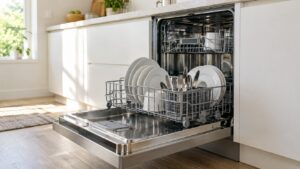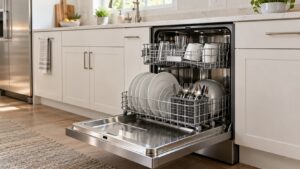
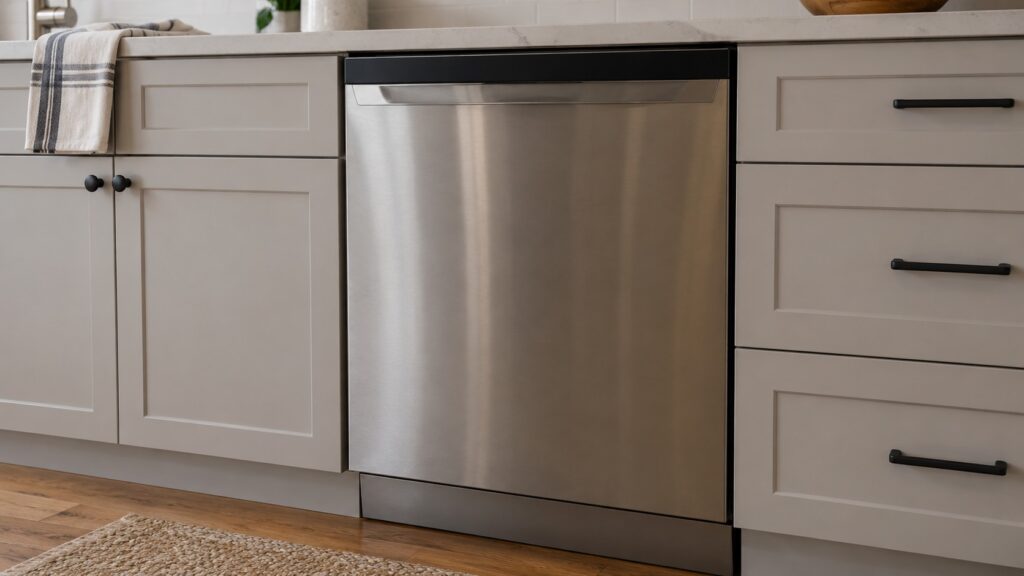
When an LG dishwasher control panel is not responding, the most common reason is not a failed panel at all: the Control Lock is on (CL), or the dishwasher lost power mid-cycle and is waiting for you (PF). Check the display for those letters first, hold the lock key for about three seconds, and if the display is dark, look at the breaker. A panel that stays dead with power confirmed is a control problem, and that belongs to a technician.
Why is my LG dishwasher control panel not responding?
There are four broad causes, and the first two are owner-level. The Control Lock is on, so the keypad ignores presses. The dishwasher lost power and shows PF. The household circuit has no power, so the panel is dark. Or the control panel, the touch keys or the control board has a fault. Our pages on LG dishwashers cover the first two directly, and they are far more common than the fourth.
Read the display before you press anything. The letters tell you what the dishwasher is doing. The LG dishwashers on this site are top-control or front-control 24-inch models with ThinQ and Smart Diagnosis, but the checks are the same for each.
Is the Control Lock on?
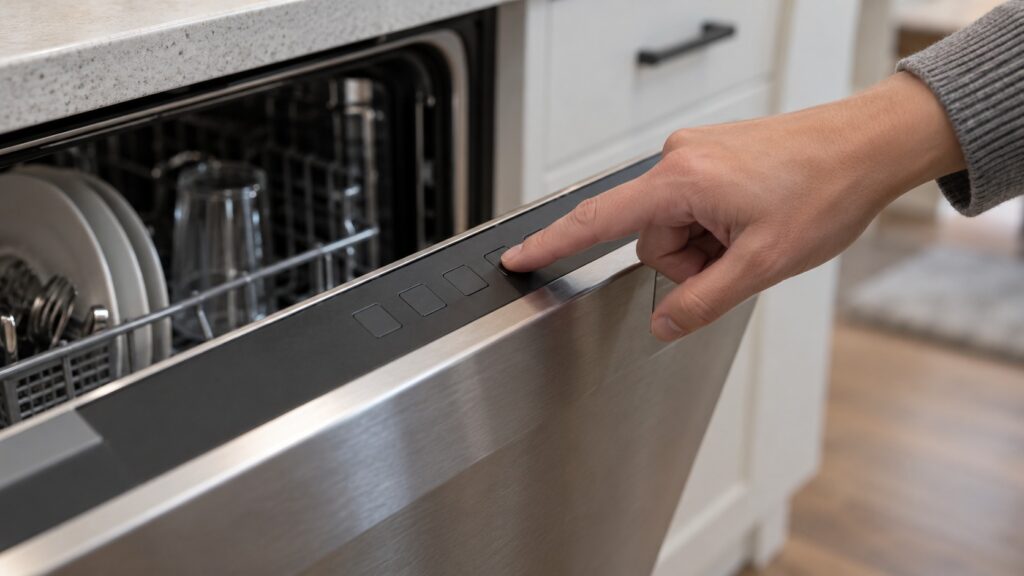
CL means the Child (Control) Lock is switched on. On the page for the LG dishwasher CL code, the symptoms are that CL shows and the buttons do not respond, the panel ignores presses while CL is lit, and the current cycle continues normally. It is not an error. Find the key marked for Control Lock, often a lock icon and sometimes a held combination, and press and hold it for about three seconds. Check your model guide for the exact key or combination. Once CL clears, the panel responds again and no service is needed.
The lock stays on between uses until you clear it, and it is often left on by a previous user or turned on by accident. Our glossary of LG lock and status codes explains how CL differs on an oven, where it means Clean-Lock.
Did the dishwasher lose power?
PF is a power-failure recovery prompt. It tells you the dishwasher lost power mid-cycle and restored it, so the cycle stopped partway and the dishwasher waits for you. Press Start to resume the cycle, or select a fresh cycle to restart. A household outage, a tripped breaker, a loose connection or a brief brownout can all cause it. If PF keeps appearing, check the breaker serving the dishwasher and confirm it is on its own correctly rated circuit. If PF returns without any real power loss, leave it for service.
If the display is completely dark and the dishwasher does nothing, look at the breaker. Switch it off for 30 to 60 seconds and then restore power; that clears a one-time glitch in the control. Our guides say that if the code or the symptom returns straight away, treat it as a real problem pointing at a named part. Do the reset standing on a dry floor, and if there is any water on the floor or near the outlet, do not touch the plug.
What can you check on the panel itself?
Dry your hands and wipe any moisture or residue off the panel, because they can make touch presses fail. Close the door fully and try again. Do not press every key in turn, and do not try combinations from memory. Use the sequence printed for your model, because layouts differ.
If your dishwasher uses the ThinQ app, Smart Diagnosis is the next step. According to our LG Smart Diagnosis guide, it lets the appliance report its internal status through the app or as an audio tone to support, so a vague problem becomes a specific code. It narrows the fault before a technician arrives, but it does not replace a hands-on repair.
When is it a control fault, and who fixes it?
If the panel is lit but the buttons do nothing, CL is not showing, the breaker is on and the door is closed, a technician may need to inspect the control panel, the touch keys or the control board. Those parts are inside the door and behind the panel, and the circuit is live. Do not open panels or try to test anything yourself. Say plainly which letters, if any, appeared and what you already tried, because that saves time on the first visit.
If water is on the floor, or you notice a burning smell or sparks, stop the cycle and switch the dishwasher off at the breaker while standing on a dry floor. Never pull a plug from a wet outlet. Our LG dishwasher leaking guide covers the water side. You can read how a visit works on the LG dishwasher repair page.