TL;DR: The sensor cook and auto cook settings on an LG microwave work best when the food is uncovered correctly, centered on the turntable, and not interrupted mid-cycle — sensor-based programs read steam and humidity, and covering food the wrong way or opening the door early throws that reading off. A few care habits around the door seal and interior keep those readings accurate over time.
Most complaints about an LG microwave’s “smart” cooking modes turn out to be about how the feature is used rather than a fault with the microwave itself. Sensor cook and auto cook programs make decisions based on what they detect during the first part of the cycle, and small habits — how food is covered, whether it’s centered, whether the door gets opened early — change what the sensor sees and therefore how the program behaves. These lg microwave tips focus on the habits that make the biggest difference to those two features specifically, rather than on general microwave care.
How does sensor cook actually decide when food is done?
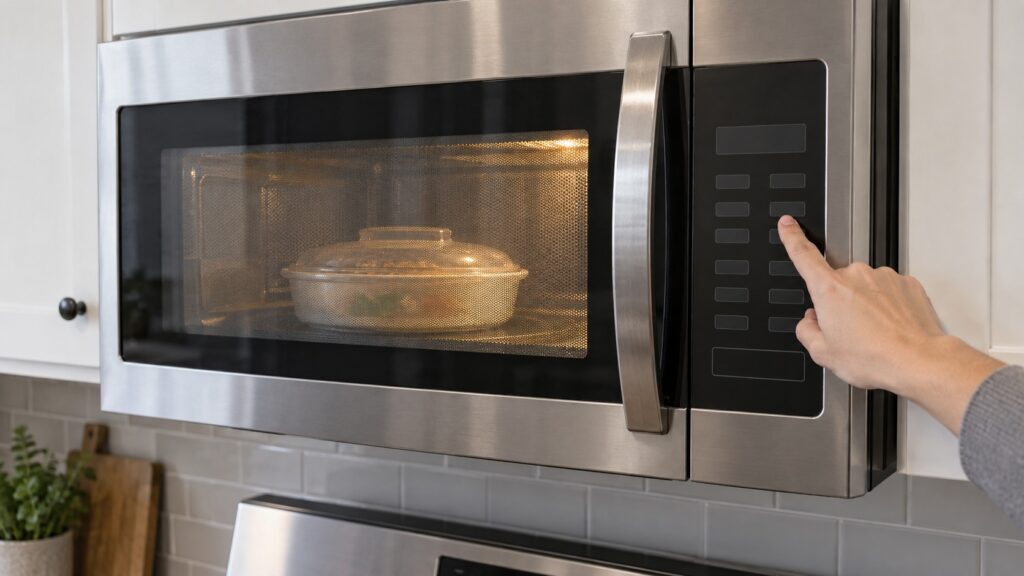
Sensor cook programs monitor the steam and humidity released from food as it heats, using that reading to estimate how much moisture is escaping and adjust cook time accordingly, rather than running a fixed timer. That is why the same “reheat” setting can run for different lengths of time on what looks like the same plate of food — the sensor is reading the food in front of it, not following a preset clock. Opening the door partway through resets that reading and can leave food undercooked when the cycle finishes early on the assumption that it detected less moisture than was actually there.
Why does auto cook sometimes undercook or overcook the same dish?
Auto cook programs are built around typical weight and density assumptions for a food category, so a portion that is much denser, colder, or larger than the program expects will not finish the same way twice. Entering an accurate weight when the program asks for one, and starting from a consistent temperature — refrigerator-cold rather than partially thawed — gives the program a more reliable baseline to work from. If a dish consistently finishes wrong on auto cook, sensor cook or a manual time and power level often gives more predictable results for that specific food.
What care habits keep sensor readings accurate over time?
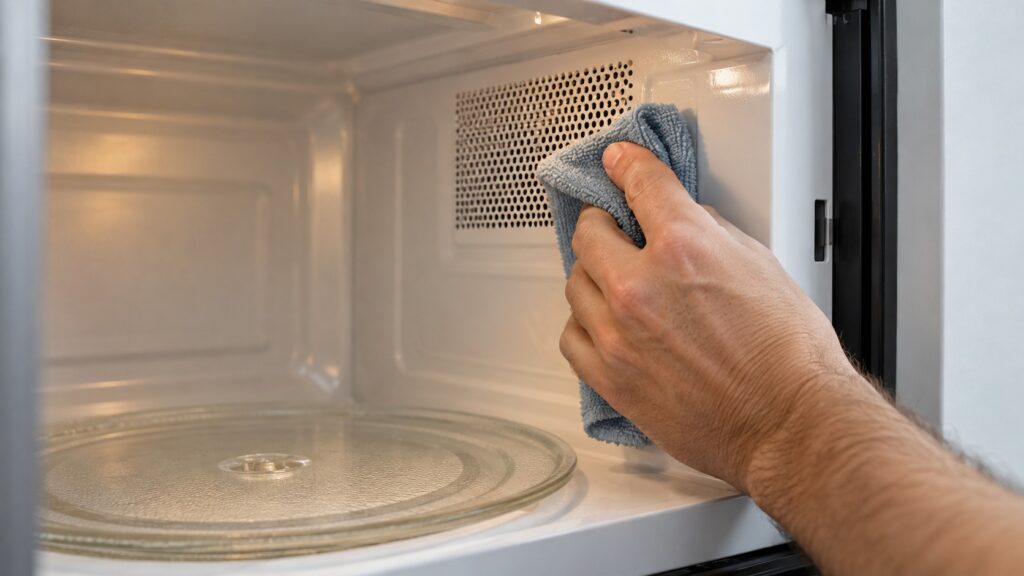
The sensor vent, usually a small grille inside the cavity near the top or side wall, needs to stay clear of grease film and food splatter, since a blocked vent changes how accurately the unit reads humidity during a cycle. Wiping the interior after any splatter, and giving the vent area a closer look during a monthly clean, keeps the sensor working the way it did when the microwave was new. A cavity that has gone a long time without cleaning is one of the more common, overlooked reasons sensor-based cycles start behaving inconsistently.
Does the turntable or the type of dish affect these programs?
Yes. A turntable that is not turning freely — often from a buildup of food debris under the glass tray or on the roller ring — prevents food from heating and being read evenly, which throws off sensor timing even on food that is covered and centered correctly. Flat, wide dishes generally heat and read more evenly than tall, narrow containers, since steam has a shorter path to escape and reach the sensor. If the turntable has stopped rotating altogether, that’s a separate mechanical issue worth checking before blaming the cook program — see our microwave turntable not turning guide.
Does the wattage or model generation change how these programs behave?
Yes, to a degree. Higher-wattage LG microwaves generally cook faster for the same sensor reading, since more power is available to respond once the sensor detects a given moisture level, which is one reason a recipe or reheat time that worked on a previous, lower-wattage microwave can finish early or late on a new one. Newer model generations also tend to refine the sensor’s calibration and add more auto cook categories, so a technique that had to be worked around on an older unit may already be handled automatically on a newer one. If a household has more than one LG microwave, treating each as its own baseline — rather than assuming settings transfer directly between them — avoids most of this confusion.
What if sensor cook or auto cook stops working reliably no matter what I try?
If cleaning the vent, centering food correctly, and using accurate weights still leave cook programs inconsistent, the sensor itself or the control board reading it may be the underlying fault rather than anything about technique. That is different from food simply heating unevenly, which is often a turntable or placement issue. Our microwave not heating guide covers the broader troubleshooting path if the microwave is underperforming beyond just the smart cook modes.
Are there other everyday habits that help an LG microwave run well?
Keep the interior free of grease buildup, since baked-on residue can absorb energy unevenly and change how food heats near the walls; avoid metal or metallic-trimmed dishware, which can arc and damage the cavity; and let the door close fully and latch each time, since a door that doesn’t seat correctly can affect both safety interlocks and how consistently the microwave runs a cycle. Our NeoChef glossary guide is worth a look if your model uses that inverter-based heating system, since it changes how evenly power is delivered during longer cook times.
Most sensor cook and auto cook complaints clear up once the vent is clean, the food is placed correctly, and the door seal is checked — no repair needed. When a microwave still won’t heat or run a cycle consistently after that, we are an independent LG appliance repair company ready to diagnose the actual fault rather than guess. Schedule a visit, or see our LG microwave repair page for the full list of what we check.