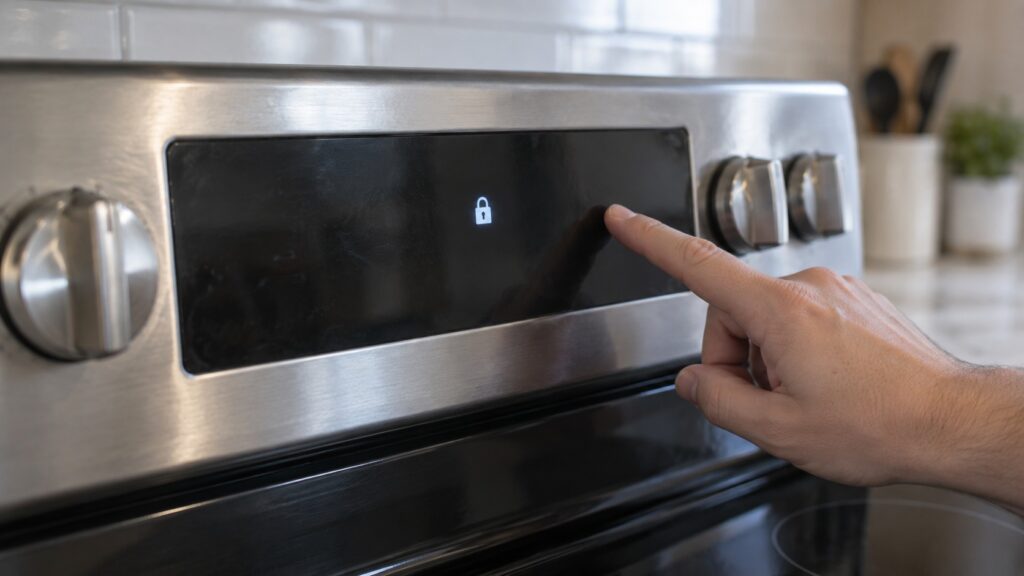
TL;DR: LOC and CL on an LG appliance are not faults. LOC is the control (child) lock, CL is either Clean-Lock on an oven or Child Lock on a washer or dishwasher, 5b or Sb is Sabbath mode, H5 is a hot-surface reminder and PF is a power-failure prompt. Each clears with a documented key press or by waiting for the appliance to cool.
Plenty of people search for LG lock and status codes because the display shows letters that look exactly like an error, yet the appliance seems fine. That is the right instinct: on LG appliances a short group of codes are status indicators, not breakdowns. This glossary sorts them by what they actually mean on each appliance, so you know whether to press a button or pick up the phone.
What do LOC and CL mean on an LG appliance?
LOC is the control lock, often called the child lock. It blocks keypad input so nobody changes a setting by accident. CL is less consistent, because the same two letters mean different things depending on the appliance. On an oven or range it means Clean-Lock, the door lock that engages around a self-clean cycle. On a washer or dishwasher it means Child Lock, which locks the control panel.
The most useful habit is to read the appliance as well as the letters. An LG range showing CL right after a self-clean is doing its job; an LG washer showing CL on the first load of the day is simply locked. If you want the full detail for one of them, the site has a page per code, such as LOC on a range, CL on a range and CL on a washer.
How do I turn off LOC or Child Lock?
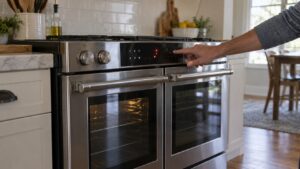
The pattern across LG appliances is a press-and-hold. On a washer the lock is typically cleared by holding the two keys marked with a lock icon together for about three seconds. On a microwave the child lock is often cleared by holding Stop/Clear for a few seconds. On a range or wall oven there is a dedicated control-lock key that you hold per the owner’s manual. The exact key differs between control layouts, so use the sequence printed for your model rather than guessing, and do not press every button in turn.
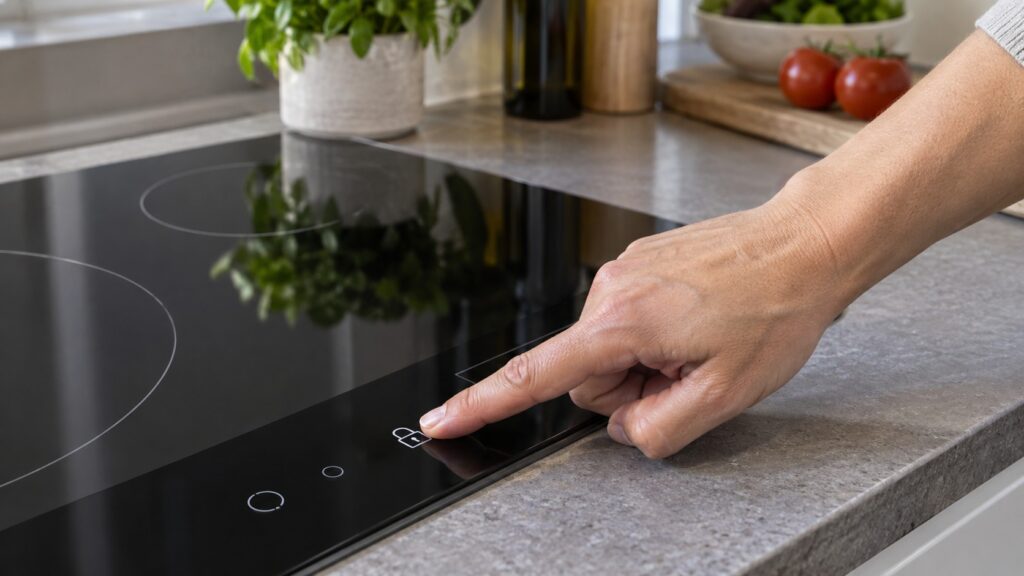
The behaviors that show it is only a lock: the clock and display still work, a cooking program that was already running continues, and the lock stays on between uses until you clear it. If the lock will not clear with the documented key, then the panel itself may have a problem, and that is the point to book service. A related situation is a cooktop whose controls will not unlock; our LG cooktop won’t turn on guide walks through it.
Why is my LG oven door locked with CL showing?
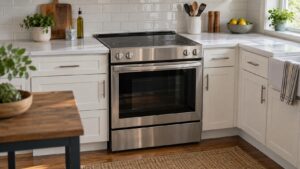
CL on a range or wall oven is Clean-Lock. The latch keeps the door shut while the oven is hot around a self-clean, and it will not release until the cavity cools. That can take a long time after a high-temperature clean, so an oven that is still locked an hour later is usually still hot, not broken. Do not try to force a locked door; the latch is designed to hold against exactly that.
If CL stays on after the oven is completely cool, check the owner’s manual for the Clean-Lock on/off sequence, because the lock can be activated manually. Only when a cool oven still refuses to release does it become a latch question for a technician. Our LG oven door won’t unlock guide covers that case step by step, and the LG oven self-clean guide explains what the cycle does.
What is 5b or Sb on an LG range, refrigerator or freezer?
5b, which displays as Sb on some models, means Sabbath mode. It exists for religious observance: the appliance holds its setting while the display, tones and certain lights are suppressed. On a range the oven keeps its bake setting. On a refrigerator or upright freezer the display feedback is reduced while cooling carries on. It is a setting, not a malfunction, which is why searches such as “5b error code lg oven” often come from owners who turned it on by accident.
Clearing it means using the exit sequence in the owner’s manual for your model. Once it is off, tones and the display return to normal. If the sequence does nothing, or Sabbath mode keeps coming back after a power reset, that is the moment for a technician. The freezer version is described on the freezer Sb page, and our guide to LG upright freezer error codes shows how Sb differs from the codes that do mean trouble.
How are H5 and PF different from real error codes?
H5 on a cooktop or range is the hot-surface indicator. It stays on while a burner or glass surface is hot to the touch and goes out by itself once it cools. PF means the appliance lost power and restored it: the clock flashes and any timed cooking was canceled. Press Clear/Off and set the clock, and the prompt disappears.
A repeated PF without any actual outage is worth noting, since that suggests a loose supply connection, and a tripped breaker is worth checking. Neither H5 nor PF should ever lead you to order a part. The fault codes in this family, the ones that do mean something is wrong, are different; see LG range error codes for the F-series.
When does a lock or status code need a technician?
Almost never at first glance, and that is the point of knowing the difference. Call for service when a code does not clear with the documented step, when the same code returns right after clearing it, or when it appears with symptoms that a lock cannot explain, such as no heat or a stuck door on a cool oven. Then give the technician the appliance, the exact letters and what you already tried. You can schedule a visit, or start from our LG range repair page.