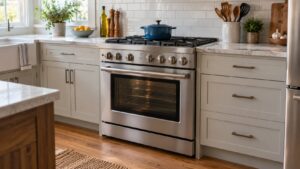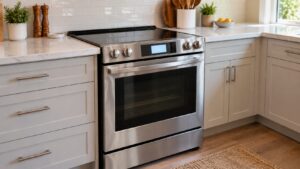
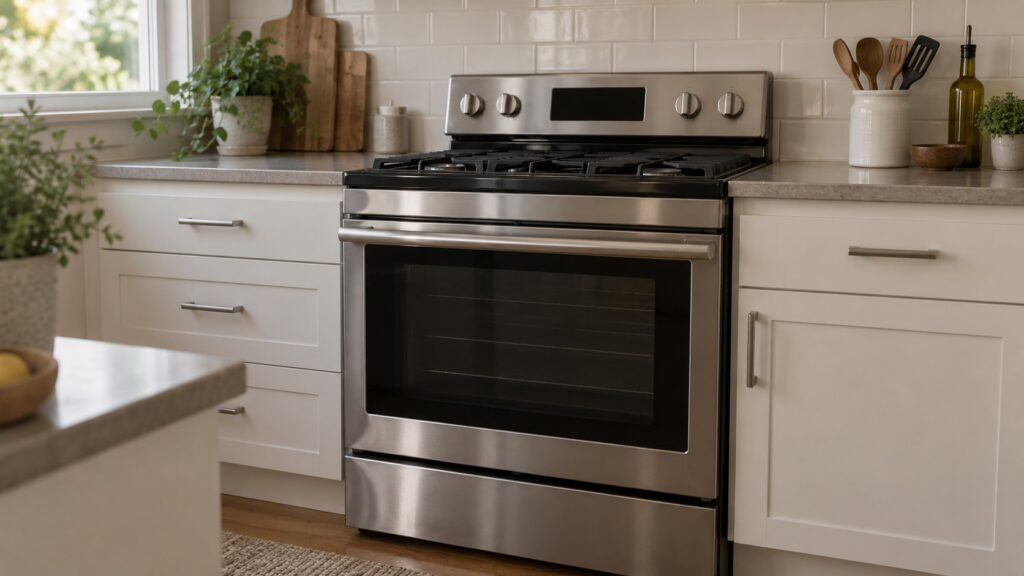
Here is how to reset an LG stove: first work out what you want to clear. If the display shows LOC, CL, 5b, Sb, H5 or PF, it is a status message, not a fault, and a documented key press or the passing of time clears it. If a fault code such as F1 or F9 is showing, press CLEAR/OFF and then switch the stove off at the breaker for 30 to 60 seconds. If the code comes straight back, the stove is reporting a live fault and a reset will not fix it. Our pages do not describe a dedicated reset button, so follow your owner’s manual for any key sequence.
What does it mean to reset an LG stove?
People use the word for three different things. The first is clearing a lock or mode that is not a problem, such as the child lock. The second is clearing a one-time glitch, which a power reset handles. The third is getting rid of a fault, which no reset can do. Knowing which one you have saves a lot of button pressing. Read the exact characters on the display, because a status message and a fault code can look alike at a glance.
How do you clear a lock or status message on an LG stove?
LOC means the control lock is on, so the keypad ignores presses while a cooking program that was already running carries on. Find the control-lock key and hold it for a few seconds as your owner’s manual says. Do not press every key in turn. If LOC will not clear with the documented key, the panel itself may need a technician.
5b, which shows as Sb on some models, is Sabbath mode. The oven holds its bake setting while the display and tones are suppressed. It clears with the exit sequence in the owner’s manual. PF appears after a power cut or a breaker trip: the clock flashes and timed cooking was canceled, and pressing CLEAR/OFF and setting the clock removes it. Our glossary of LG lock and status codes lists each one, and the pages for LOC and CL go deeper.
How do you reset the power on an LG stove?
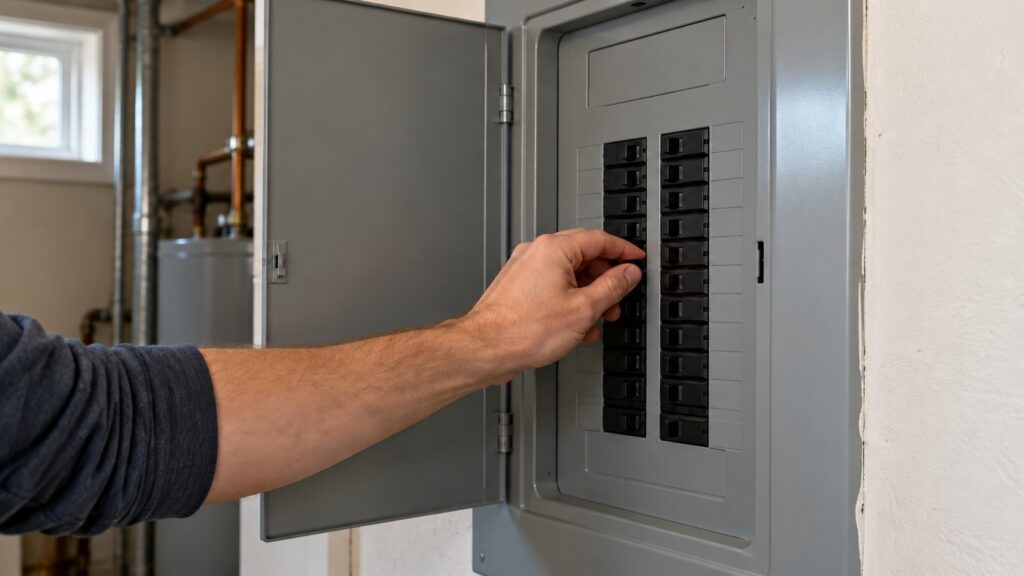
A power reset is for a fault code that may have been a one-time glitch. First press CLEAR/OFF and note the exact code. Then switch the stove off at the breaker, stand on a dry floor while you do it, wait 30 to 60 seconds, and switch it back on. Our LG range F-codes guide says the same: cutting power for a minute or two clears a code that was a glitch in the control board’s monitoring, while a code that returns immediately is reporting a live condition.
Use the breaker, not the plug. Do not pull a plug from a wet outlet, and do not reach behind the stove. On a gas stove the breaker only removes electricity. It does not shut off gas, and it is not a gas safety step. If you ever smell gas, do not touch switches or breakers: leave the house and call your gas utility or 911 from outside.
When should you not reset an LG stove?
Do not reset and carry on if the code is F2 or F6. F2 signals a sensor short or a runaway high-temperature condition, and F6 an overheat or a relay stuck closed. For those, switch the stove off at the breaker, standing on a dry floor, and call for service rather than trying again. The same goes for a burner that will not shut off, scorching around a receptacle, a smell of burning or any sign of sparks.
A cool oven that still refuses to unlock with CL showing is a latch question, not a reset question. See our guide to an LG oven door that will not unlock after self-clean. Do not open panels or try to reach the control board; that is a technician’s job.
After any reset, test the stove with something simple. Turn on one burner or one oven setting, and confirm the display and the keypad respond. If you reset because of PF, remember that a timed bake was canceled, so restart it. Keep the owner’s manual close by; the lock, Sabbath and Clean-Lock sequences are not identical on every control layout, and the printed sequence for your model always wins over a general description.
What if the stove will not reset?
If the same code returns right after a breaker reset, write down the exact code, whether it was the upper or lower oven, and what the stove was doing when it appeared. That alone saves a diagnostic visit real time. A code that comes back means a sensor, a heating part, a door-lock circuit, a fan or the control board is reporting a real fault, and a power cycle cannot repair any of them. Read about LG range repair to see what a visit checks.