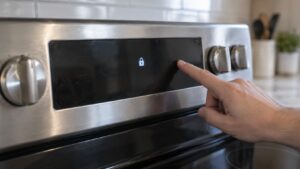
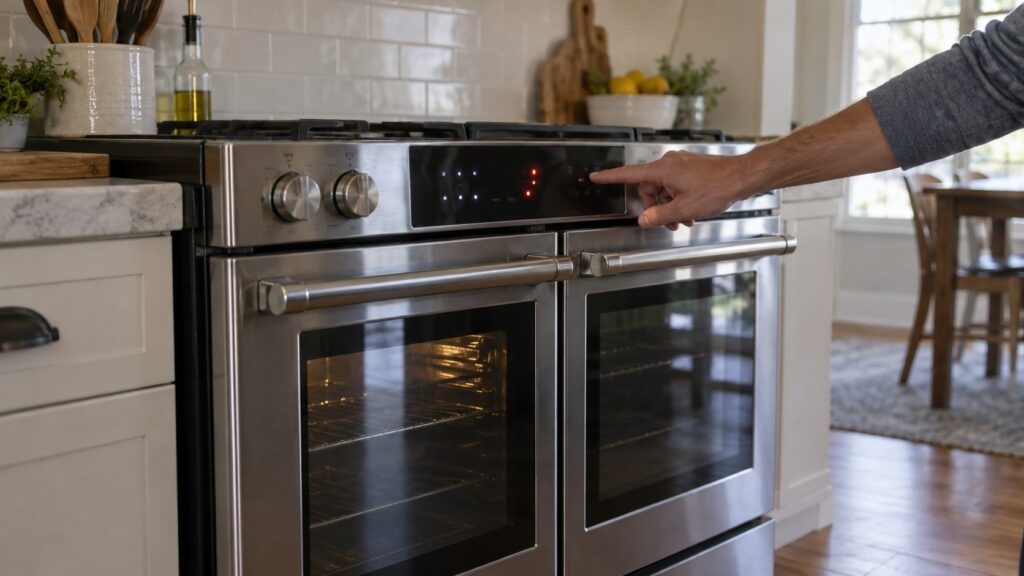
TL;DR: LG range error codes F1 through F27, plus H5, each point at a specific fault on the range’s control and oven systems — a sensor, a lock switch, a fan, or a stuck key — and no two of them mean the same thing. Reading the exact code on the display, not just “an F-code,” is the difference between a five-minute fix and an unnecessary part order.
A range that starts flashing a letter-and-number code can look alarming, but LG range error codes are specific by design: the control board is reporting which subsystem it detected a problem in, not throwing a generic warning. Confusing one F-code for another — F1 for F4, or F9 for F19 — sends a repair in the wrong direction, especially on double-oven models where an upper- and lower-oven pair of codes look almost identical at a glance.
What does each LG range F-code actually mean?
The table below reflects what this site’s own error-code pages report for each code, which is worth reading directly rather than relying on memory or a general appliance-code chart, since code numbering is not standardized across brands.
How do I tell an upper-oven code from a lower-oven code?
On double-oven LG ranges, several fault families come in pairs pointing at the same subsystem in each cavity: F1 and F4 are both temperature-sensor faults, but F1 is the upper oven and F4 is the lower oven. F10 and F20 follow the same pattern for the door lock — F10 upper, F20 lower. The display should identify which oven raised the code, but if that’s unclear, the fastest way to confirm is opening each oven in turn and checking which one shows the fault behavior described for that code, since ordering a sensor for the wrong cavity is a common and avoidable mistake on these models.
Which of these codes should stop me from using the range at all?
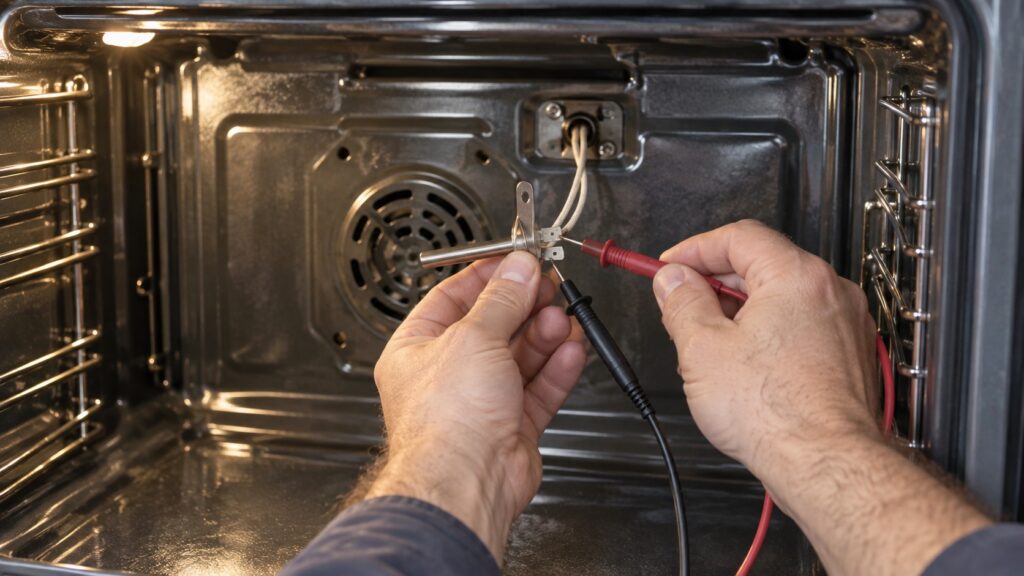
F2 is the one code on this list worth treating as urgent: it reports a possible runaway high-temperature condition, and cutting power at the breaker rather than just closing the oven door is the safer response until a technician has looked at it. F6 — an overheat or a relay stuck closed — deserves the same caution, since a stuck relay can keep an element powered even when the control thinks it has turned off. The rest of the codes on this list point at a component that has stopped working correctly rather than an active safety condition, and the range is generally safe to leave off and unused while you sort out the cause.
Is H5 actually a problem?
No — H5 is a hot-surface indicator, a reminder that a cooktop surface is still hot to the touch, not a malfunction code at all. It clears on its own once the surface cools. Seeing H5 alongside a genuine fault code at the same time is coincidental, not related; treat each code on the display separately rather than assuming they share a cause.
It also helps to notice that LG’s range control board groups its fault numbers by the subsystem being monitored, and an oven has relatively few subsystems that need close monitoring for safety: the temperature sensor, the door lock, the convection fan, and the cooling fan that protects the electronics during a hot self-clean cycle. That is why F1, F2 and F4 all trace back to temperature sensing, why F10 and F20 both trace back to door-lock circuits, and why F7 and F27 both trace back to a fan rather than to entirely unrelated parts. Once you notice that grouping, a new code on a range you have not seen before is easier to place in context, even before checking the exact number against a table.
Can a power cycle clear any of these codes on its own?
Cutting power for a minute or two at the breaker clears a code that was a one-time glitch in the control board’s monitoring rather than an ongoing fault. If the code returns immediately or within the next few cook cycles, the range is reporting a live condition — a sensor that is genuinely open, a fan that genuinely isn’t spinning, a lock switch that genuinely isn’t engaging — and a power cycle will not resolve it. That distinction is usually clear within the first cook after the reset.
How is this different from LG’s oven-specific F-codes?
Wall ovens on this site have their own F-code list, and while some numbers overlap in concept — a temperature sensor fault, a door-lock fault — a wall oven and a range are different appliances with different control boards, and the two lists should not be read interchangeably. Our LG oven F-codes guide covers the wall-oven versions of these same fault families if that’s the appliance you’re troubleshooting instead.
What should I do once I’ve identified the code?
Write down the exact code and whether it’s the upper or lower oven before calling for service — that alone saves a diagnostic visit real time. If the fault is a stuck key (F3) or a self-clean fan stall (F27), a power cycle and a clean keypad are worth trying first. If it’s a sensor, door-lock, or heating-element fault, those parts are usually straightforward for a technician to test and replace once the range is on-site. Our LG range repair or replace guide is worth reading if the range has needed more than one of these repairs already.
We are an independent LG appliance repair company, not a factory service center, and every visit starts with confirming the exact code and cavity before any part is ordered. If your range is showing one of these codes, schedule a visit, or start with our LG range repair page for the full list of what we check.