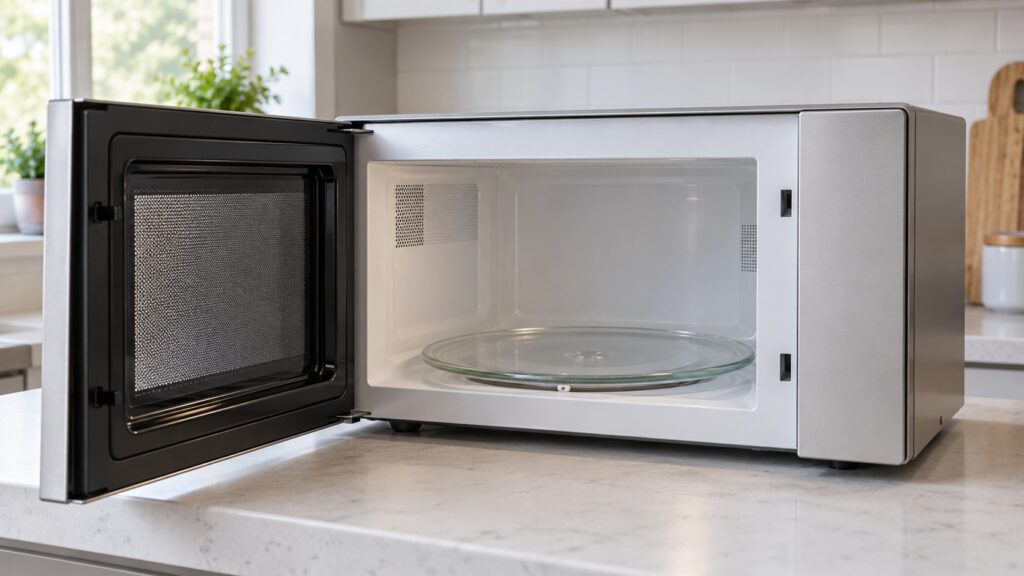
LG microwave interior care is mostly a matter of wiping splatter off the cavity walls, keeping the glass tray, roller ring and turntable track free of debris, and giving the small waveguide cover and the sensor vent a look during a monthly clean. Do it with the microwave unplugged or at least switched off and cool, use a soft damp cloth, and never spray liquid into vent openings. Food splatter can char the waveguide cover, which can then spark, and debris under the tray can stop the turntable from turning.
How do you clean the inside of an LG microwave?
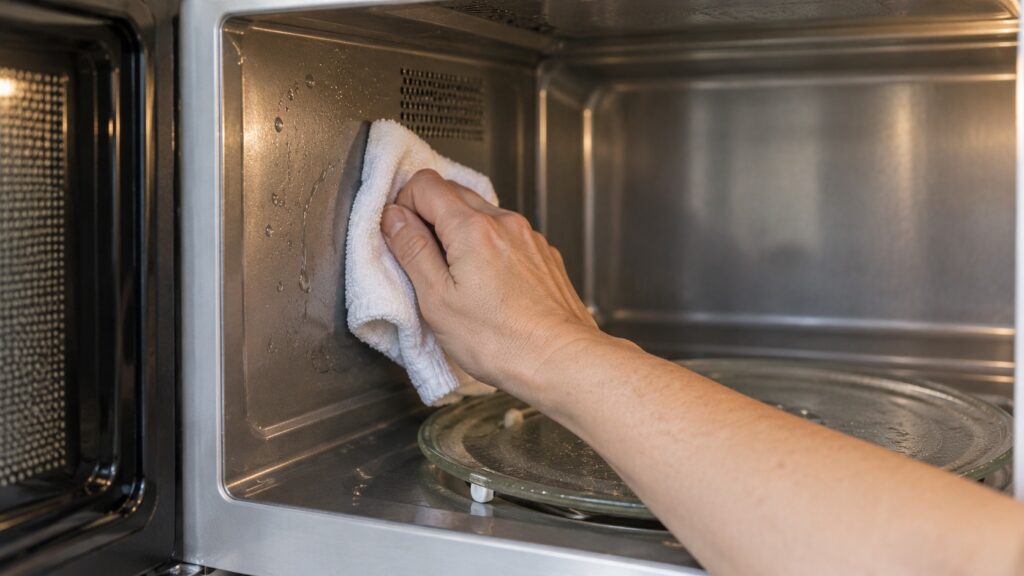
Start with the basics. Let the microwave cool, unplug it if you can reach the plug safely, and take out the glass tray and the roller ring. Wipe the cavity walls, the ceiling and the floor with a soft damp cloth and a little mild dish soap, then go over them again with a cloth rinsed in clean water. Avoid abrasive pads and harsh sprays, because paint chipped down to bare metal inside the cavity can arc, according to our sparking guide. The model pages for the LMC0975ST, LMC1575ST, LMC2075ST and the over-the-range LMV1764ST all list the cavity as an EasyClean anti-bacterial interior. This site does not describe how that interior works or what it can take, so follow the cleaning section of your owner’s manual for the products it allows.
Wipe up splatter when it happens rather than waiting for the monthly clean. Dried food is harder to remove and baked-on residue can absorb energy unevenly and change how food heats near the walls, which is one reason a dirty cavity can make results inconsistent.
Why does the waveguide cover matter?
Our LG microwave sparking page describes the waveguide cover as a small tan mica panel, usually on the right wall. Food splatter can char it, and a charred cover can spark. A wipe with a damp cloth removes fresh splatter. If the cover looks burned, cracked or has holes, stop using the microwave until it is replaced, and do not try to pry out or replace the cover with the unit plugged in. That is a repair for a technician, because the area behind it carries high voltage.
The same page says that no metal in the cavity and a clean waveguide cover with persistent arcing points to internal high-voltage parts or damage inside the cavity. Persistent arcing after the cover is replaced needs a technician.
How do you care for the turntable and the glass tray?
The glass tray sits on a roller ring and is driven by a coupler that a small motor under the floor turns. Our LG microwave turntable not turning guide gives the owner checks: lift the tray and confirm it seats squarely on the center coupler, take out the roller ring and clean food debris from the track, check that the turntable on/off setting is enabled and make sure the tray is the correct size and not warped. A tray that rocks or sits high is off its coupler, and a grinding sound points to debris in the roller track.
Make the track a part of your monthly clean. Debris under the tray also matters for cooking: a turntable that is not turning freely keeps food from heating and being read evenly, which can throw off sensor timing even on food that is covered and centered correctly. If the tray and track are clean and seated and the tray still does not turn, the turntable motor or a stripped coupler may be the cause, and that is a repair.
What about the sensor vent and sensor cooking?
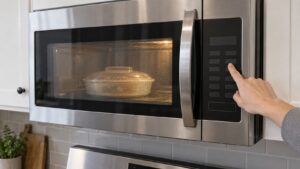
Many LG microwaves listed on this site have Sensor Cooking, which reads steam and humidity during a cycle. Our LG microwave tips guide says the sensor vent, usually a small grille inside the cavity near the top or on a side wall, needs to stay clear of grease film and food splatter, because a blocked vent changes how accurately the unit reads humidity. Give that grille a closer look when you do the monthly clean. A cavity that has gone a long time without cleaning is one of the more common reasons sensor-based cycles start behaving inconsistently.
What should you keep out of the cavity and off the door?
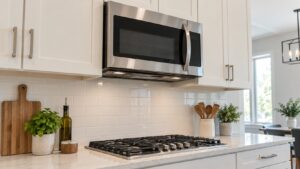
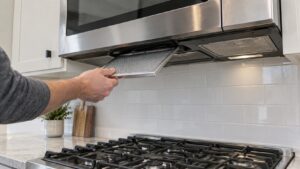
Keep metal out. Foil, metal-trimmed dishes and stray twist ties cause arcing, and the same guide notes that metallic-trimmed dishware can arc and damage the cavity. Also let the door close fully and latch each time. A door that does not seat correctly can affect safety interlocks and how consistently the microwave runs a cycle. Wipe the door edges and seal area so crumbs do not keep it from closing. If you have an over-the-range model, the grease filters under the unit need their own regular cleaning, covered in our LG over-the-range microwave filter cleaning guide.
When is it more than a dirty interior?
Stop and book a visit if you see sparking with an empty, clean cavity, a charred or cracked waveguide cover, a door that will not latch or seal, a microwave that runs but does not heat, or any code that returns. A microwave that does not heat points to high-voltage parts such as the magnetron, diode or inverter, and our LG microwave not heating guide says those repairs are not a DIY job because the parts hold a dangerous charge even when unplugged. Do not open the outer case. If you smell burning or see smoke, stop the microwave and switch off the breaker at the panel while standing on a dry floor. Our LG microwave repair page explains how a visit works.