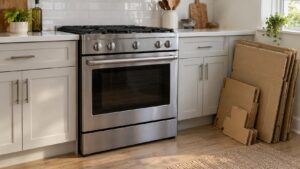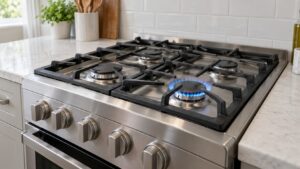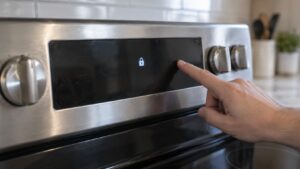
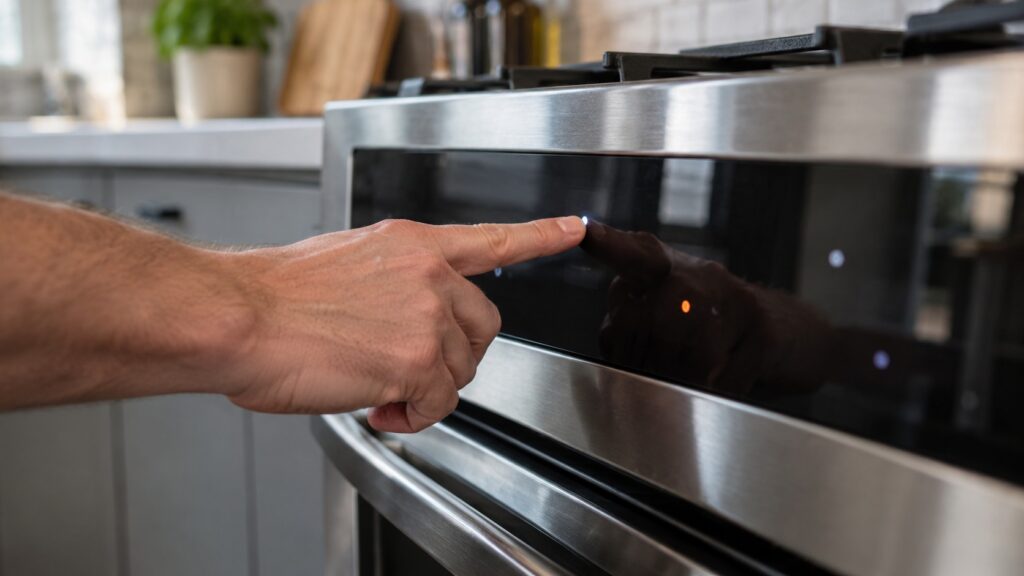
LG SmoothTouch controls are flat glass touch panels with no knobs or raised buttons. A key responds to the warmth and contact of a finger, so a wet, greasy or covered panel can beep, ignore you or press keys on its own. Wipe the glass, dry it, switch the lock off and, if the panel is still wrong, cut power at the breaker for a minute before you suspect a part.
If you have ever wondered what “SmoothTouch” on an LG range or cooktop actually means, this glossary entry gives the short version and the practical one. The LG SmoothTouch controls are the brand’s name for a sealed glass touch panel, and nearly every problem owners report with them comes from something sitting on the glass rather than something broken behind it. Below you will find what the panel is, what its keys and lock functions do, how to clean it without damaging it and how to tell a messy panel from a failing control board.
What does SmoothTouch mean on an LG range or cooktop?
SmoothTouch is LG’s name for glass touch controls. Instead of a row of knobs you turn and buttons you push, the control panel is a smooth surface with printed or lit key areas. You touch a key area and a sensor under the glass registers the contact. The same idea is used on many modern cooktops and ranges, and it gives you a surface that wipes clean in one pass because there are no gaps around knobs for grease to collect.
The trade-off is that the panel has no tactile feedback. You rely on a beep and a change on the display to know a touch registered. That is why a panel that beeps oddly or does nothing at all feels like a fault, even when the appliance itself is fine.
How does a glass touch panel know I pressed a key?
Behind each key area sits a sensing element that measures a small electrical change when a fingertip comes close. The control board reads that change, decides whether it looks like a deliberate press and then acts. Because the sensor measures a change and not a push, anything that alters the reading near the key can confuse it: a drop of water that bridges two keys, a film of cooking grease, a damp dish towel or even steam rising from a pot below.
That is also why the keys can seem less responsive with wet or gloved fingers and why a panel behaves better after it has been wiped dry. The glass itself is tough, but the part that matters is the thin layer of sensing circuitry bonded to its underside. If that layer is damaged by heat or a leak, keys fail in a pattern, such as a whole row or column going dead, which is a repair and not a cleaning job.
What do the lock messages on a SmoothTouch panel mean?
Most LG touch panels have a control lock so that a stray touch cannot start a burner or the oven. When the lock is on, the display says so with a short message, and every other key is ignored until you release it. People often set the lock without meaning to, for example while wiping the glass, and then conclude the range has died. The LOC page and the CL page for the LG range explain the message, and our glossary of LG lock and status codes sorts out the look-alike messages across appliances.
Check your owner’s manual for the exact way to release the lock on your model, since the key combination differs between control layouts. If a cooktop is the appliance that will not respond, the LG cooktop won’t turn on guide walks through the lock, the power supply and the panel in order.
Why does my SmoothTouch panel beep or press keys by itself?
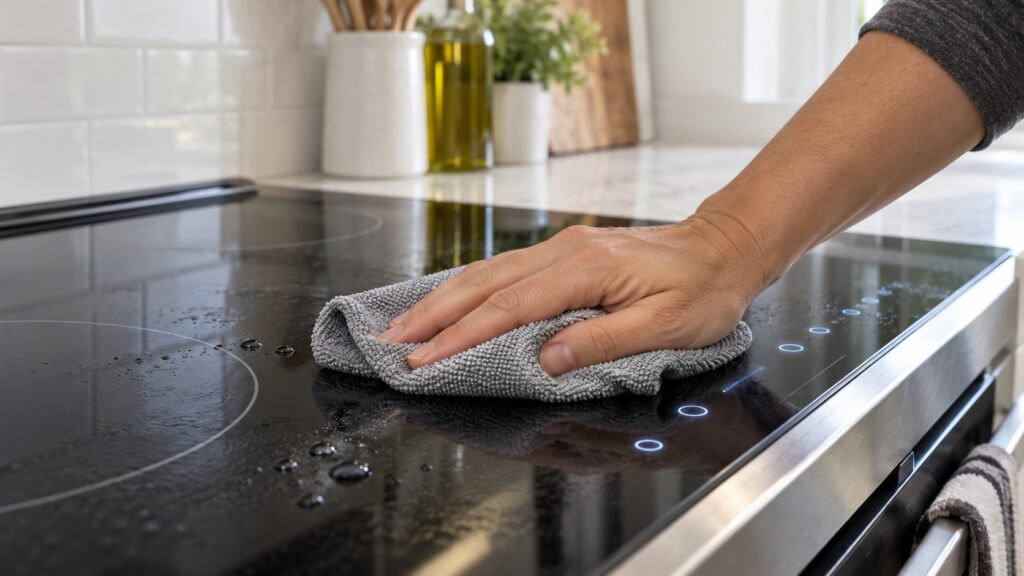
The first suspects are all on the surface. Wipe the whole panel with a soft damp cloth, then dry it completely. Remove anything resting on the glass: a pot lid, a kitchen towel, a spoon rest or a magnet. Look near the edge of the panel for moisture creeping in from a spill or from steam. After you clean, wait a minute and try again.
If the beeping continues, turn the range off at the breaker for about a minute and restore power. That restarts the control board and clears a one-time glitch. If a sensor reading has drifted because of heat or humidity, it often settles after a restart. When keys keep acting on their own, or one area of the glass never responds, that points past the surface to the panel or the board, which needs testing by a technician and not guesswork. Do not take the panel off yourself: it sits close to mains voltage.
Display messages that start with the letter F are a different category. They are fault codes from the control, and the list for the range is covered in our LG range error codes guide.
How should I clean and care for the glass?
Use a soft, lightly damp microfiber cloth with a drop of mild dish soap, then wipe it dry. Avoid abrasive pads, powder cleaners and sprays aimed straight at the keys, because liquid can run under the edge of the glass. Let the surface cool before you clean it, and never use a razor scraper on the control area. For the cooktop surface itself, a ceramic cooktop cleaner is fine, but keep it off the key area.
Make a habit of locking the panel before you wipe it down, then unlocking it afterward. It takes a few seconds and prevents the most common accidental start. If your range has a self-clean cycle, remember that the control area gets warm during a long cycle, so check the LG oven self-clean guide for what to expect and let the glass cool before you wipe it.
When does a SmoothTouch problem need a technician?
Call for service when the panel stays dead after cleaning and a breaker restart, when only some keys work, when the display is blank or shows a fault code that returns, or when the panel acts up while the rest of the appliance is cold and dry. Note what the display says and when it started so the technician can bring the right part. You can read about what a visit covers on the LG range repair page and schedule a visit when you are ready.