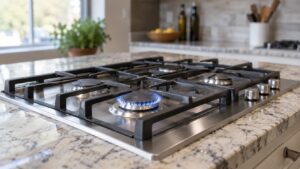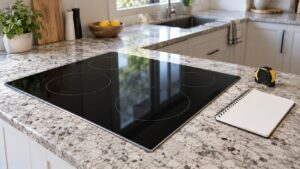
When an LG electric cooktop burner is not heating, the cause is often something you can check in a few minutes: a control lock that is still on, a wrong or dirty touch pad, a pan that does not sit flat or is the wrong size, or moisture on the glass. If the same element stays cold while the others heat, and the cookware and the controls are not to blame, the element or the part that powers it has probably failed. That is a job for a technician. This guide shows the order to check things in, what not to do and when to stop.
Why is an LG electric cooktop burner not heating when the others work?
Our two LG radiant cooktops, the LSCE365ST (36 in) and the LSCE305ST (30 in), are listed as electric radiant cooktops with five radiant elements under a frameless glass-ceramic surface, with touch controls, a hot-surface indicator and a control lock. The model pages also list a high-power radiant element on each. Because the controls are touch pads, a single cold burner is more often a control or a cookware issue than a broken element, and it is worth checking those first.
Start by looking at what the cooktop tells you. If the control lock is on, the pads will not respond. If a pad is wet, greasy or dirty, it may not register your touch. If the element is on but heats slowly, the pan may be too small or warped. Work through these before you assume a failed part.
What should you check first at home?
Go in this order. First, look for a lock indicator and turn the control lock off as your owner’s manual describes. Second, wipe the touch panel and the glass dry and clean, since moisture and grease can block the capacitive pads. Third, press the correct pad firmly and choose a heat setting, then wait a short time for the element to respond. Our guide on an LG cooktop that will not turn on covers these steps for the whole cooktop, and says to reset the cooktop’s breaker fully off and on if nothing responds.
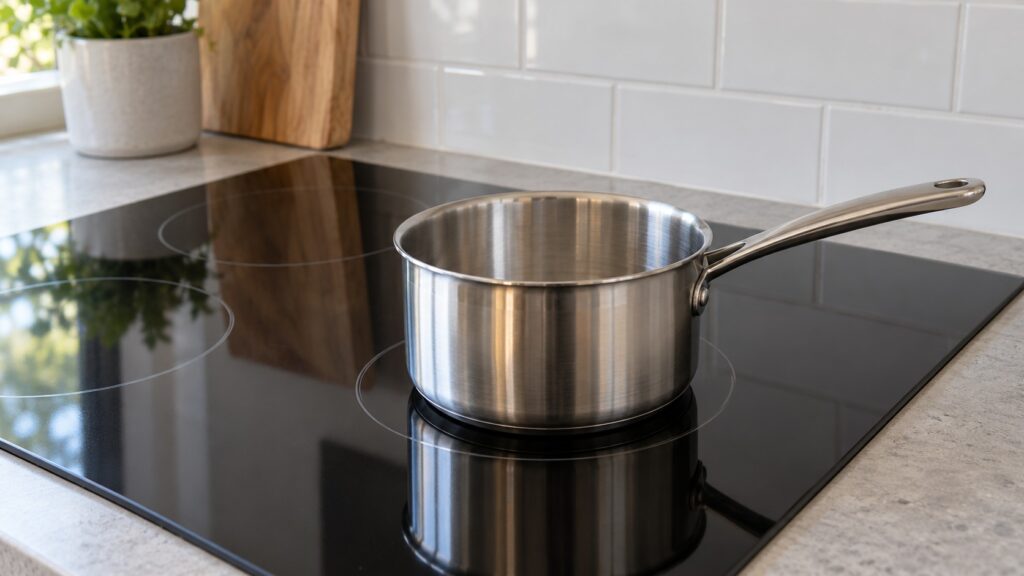
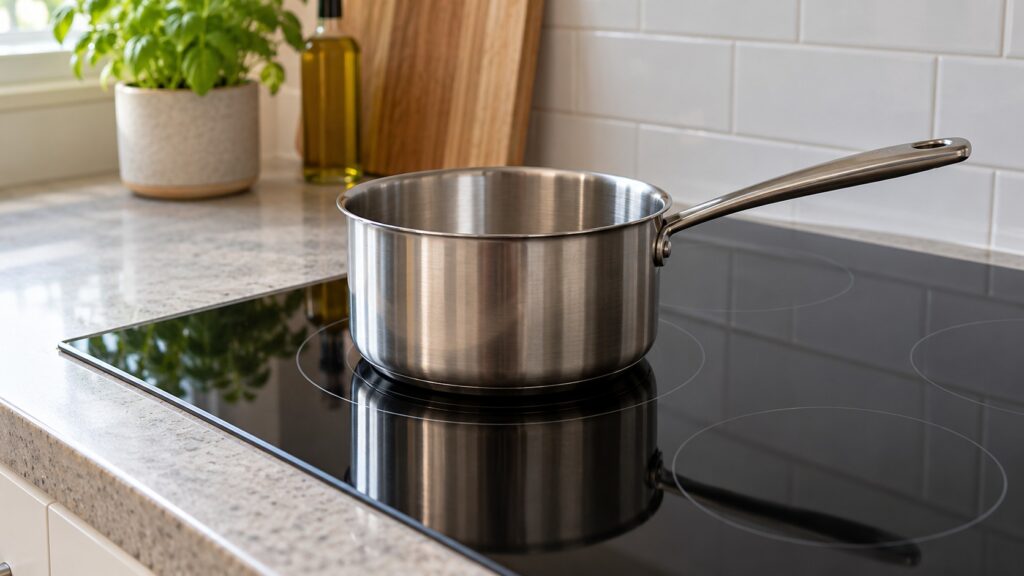
Next, look at the cookware. A pan with a flat, clean bottom that covers the element heats best. A warped pan, a very small pan or one with a dirty bottom can make an element seem weak. Move the pan to a neighboring element that works and see whether it heats there. If the pan heats on another element, the problem is likely in the first element or its control. If the pan does not heat anywhere, the pan or the setting is at fault.
What does the hot-surface indicator tell you?
The model pages list a hot-surface indicator on both radiant cooktops. It warns you that the glass is still hot after cooking. It does not prove that an element is working, and it does not by itself prove that one has failed. If an element is not heating and the indicator stays off or behaves oddly, make a note of it, but do not treat the indicator as a test. Our site does not describe how the indicator works, so we leave its behavior to your manual.
Wait until the surface has cooled completely before you clean it or move cookware around, even if the cooktop looks switched off.
When is the element or its control the problem?
If the lock is off, the panel is clean and dry, the cookware is right and the other elements heat normally, a single element that stays cold points to the element itself, the part that switches it or the control that tells it what to do. Our repair or replace LG cooktop guide explains how a technician weighs a repair on a cooktop like this. We do not describe how to test those parts, because it involves live electrical connections underneath the glass.
Do not lift the cooktop, open the panel or touch the terminals. Testing those parts is technician work. If you see a crack in the glass, a chip, a burn mark or a smell of burning, switch off the breaker at the panel while standing on a dry floor, keep liquids away from the glass and do not use the cooktop until it is checked. If any liquid has pooled near the controls or the wiring, do the same.
Which codes might appear?
Our site lists very few codes for LG cooktops, and F33 and F34 are shown as induction-cooktop codes, so they are not the likely answer on a radiant model. Our LG cooktop F33 and F34 codes guide covers them. If a code is on the display, read the page for that exact code. We do not guess at what a code means, and a cold element with no code on the display is not a code problem.
If you have an induction cooktop instead, the symptoms are different, and our guide on an LG induction cooktop that will not heat is the one to read. For a view of the whole range of models, see our LG cooktops page.
When should you call a technician?
Call if one element stays cold after the checks above, if more than one element has trouble, if the controls do not respond with a clean panel and the lock off, or if the glass is damaged. We are an independent repair company, not LG. Our LG cooktop repair page explains how a visit works, and you can schedule a visit online. Tell us the model number and which element is affected.