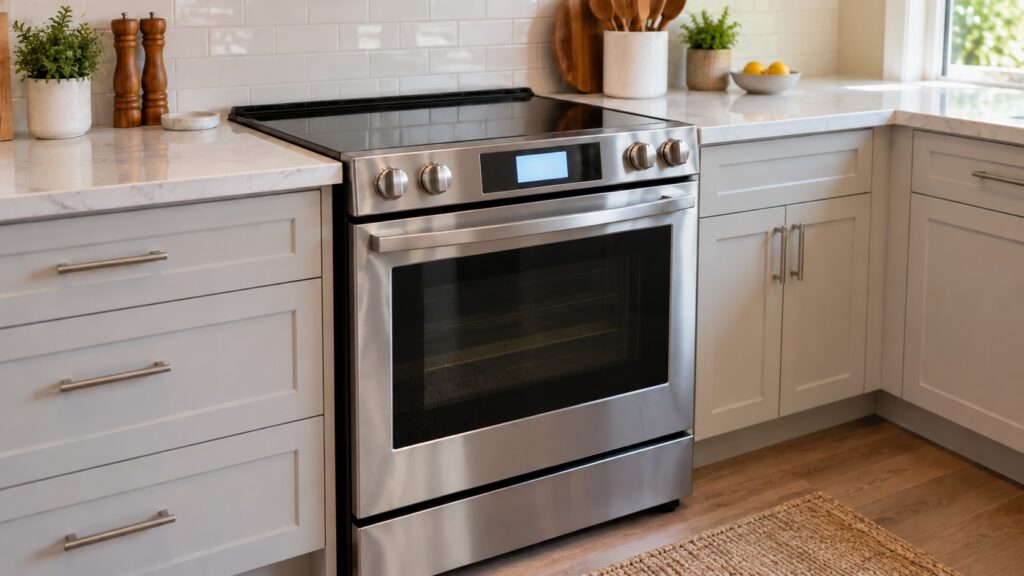
How to turn off sound on LG stove models, and how to set or change the clock, is a matter of the control panel on your range, but the exact buttons and the order differ from one model to the next. This site does not list a universal button sequence, and we will not guess one. Your owner’s manual gives the steps for your model. What this guide gives you is the part that does not change: which sounds an LG range makes, which of them are usually adjustable, how to find the right page in the manual in a minute, and what to do when the beeping is not a setting at all but a fault.
Which sounds does an LG stove make?
An LG range talks to you in several different ways, and it helps to name the sound before you hunt for a way to silence it. The shortest is the tone you hear every time you touch a pad on the glass or the keypad. Then there are the timer alert, the end-of-cooking alert and the preheat alert that tells you the oven has reached the temperature you set. Self-clean and lock functions have their own tones. Finally there are fault tones, which sound alongside a code on the display. The first group is about convenience and is the one most often adjustable. The last group exists to warn you, and a model may not let you silence it.
That is why a single “turn it off” instruction is unreliable. Two ranges that look alike can handle the same sound differently. Check the manual for your model number, which is on the rating plate, and look for a section on controls, settings, sound or tones.
How do you turn off sound on an LG stove?
Start with your manual, because the settings are model-specific. The quickest route is to search the manual for words like “sound,” “beep,” “tones” or “mute.” Many LG ranges group this kind of preference with other options on the control panel, such as clock display or temperature units, but how you reach them and which sounds can be switched off is what differs. If you no longer have the paper manual, the model number on the rating plate lets you find the matching one online.
Work through it in this order. First, note which sound bothers you: the key beep, the end-of-timer alert or a repeating tone. Second, find the matching entry in the manual. Third, change the setting while the oven is idle and no cooking program is running. Fourth, test it by touching a pad. If the manual says a certain alert cannot be turned off, that is a design choice and not a fault.
One caution. If the sound is a continuous or repeating beep and the display shows a code, you are not looking at a setting. Our LG range F codes guide explains how to read the codes.
How do you set or change the clock on an LG stove?
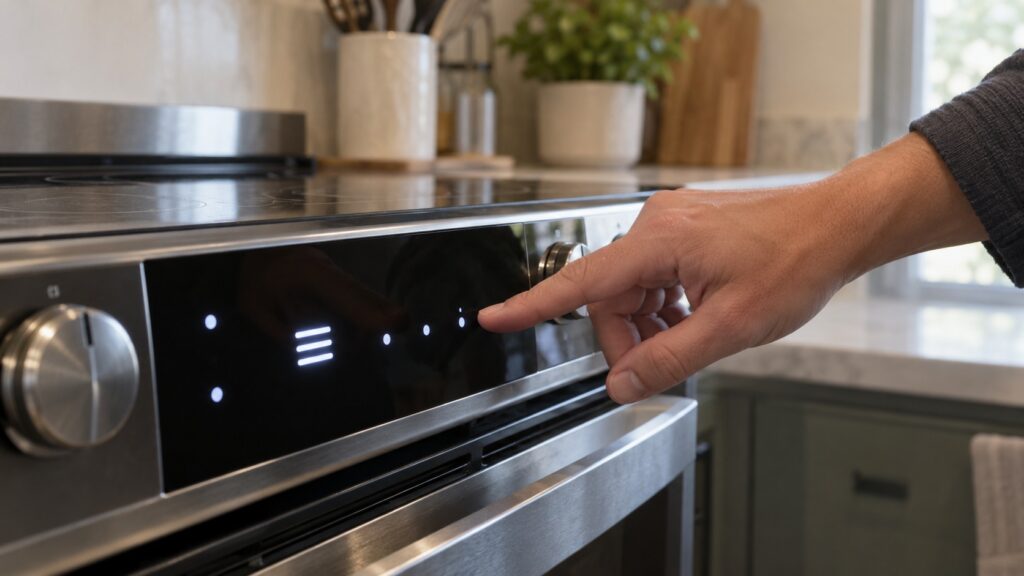
The clock is set from the control panel as well, and again the sequence depends on the model, so follow your manual. A few things hold across most ranges. The clock matters for more than telling time: timed bake and delayed start features use it as a reference, so a wrong clock can quietly make a programmed cooking time start at the wrong moment. Many ranges also lose or blink the clock after a power interruption and ask you to set it again. If the display shows a flashing time after a storm or after the breaker tripped, that is usually the range asking to be set, not a fault.
Why does the clock keep resetting or the stove keep beeping?
A clock that resets only after a power cut is behaving normally. A clock that resets without any outage, or a panel that beeps by itself, deserves a closer look. Check whether the control is locked: this site’s LOC page lists the LOC display on LG ranges as the control (child) lock being active, which is not a problem, though it will stop pad presses from working until it is switched off per the manual. Look also for something resting on the panel. A pot lid, a damp cloth or a spill on the glass can register as a touch and make the panel beep or reject input. Wipe the panel dry and try again.
If the range beeps repeatedly with a fault code, do not try to silence it. Switch the range off at its breaker briefly and switch it back on, following what your manual says about resetting; a single reset will clear a one-time glitch, and a code that returns means the range needs a technician. Do not open any panel on the range, since the control board and wiring are a technician’s job. If the beeping comes with a burning smell, sparks or water on the panel, skip the reset: switch off the breaker from a dry floor and call us.
When should you call a technician?
Call if the display stays blank or frozen after a reset, if pads do not respond when the panel is clean and dry, if a fault code returns, or if you smell burning. If you see sparks or water on the panel, switch off the breaker at the panel while standing on a dry floor and do not touch the range. A range that will not heat is covered by our LG oven not heating guide, and the LG range repair page explains how a visit works. If the range is old and has several faults, the LG range repair or replace guide helps you weigh the decision.